
Stay connected to appointments, customers, Calls, Billing, Email and conversations on the go.
Book & manage appointments, create invoices, add customers, handle calls, and reply to all chats from one inbox — right from your phone.
Let your customers book appointments, view invoices, and stay connected — straight from their phone.
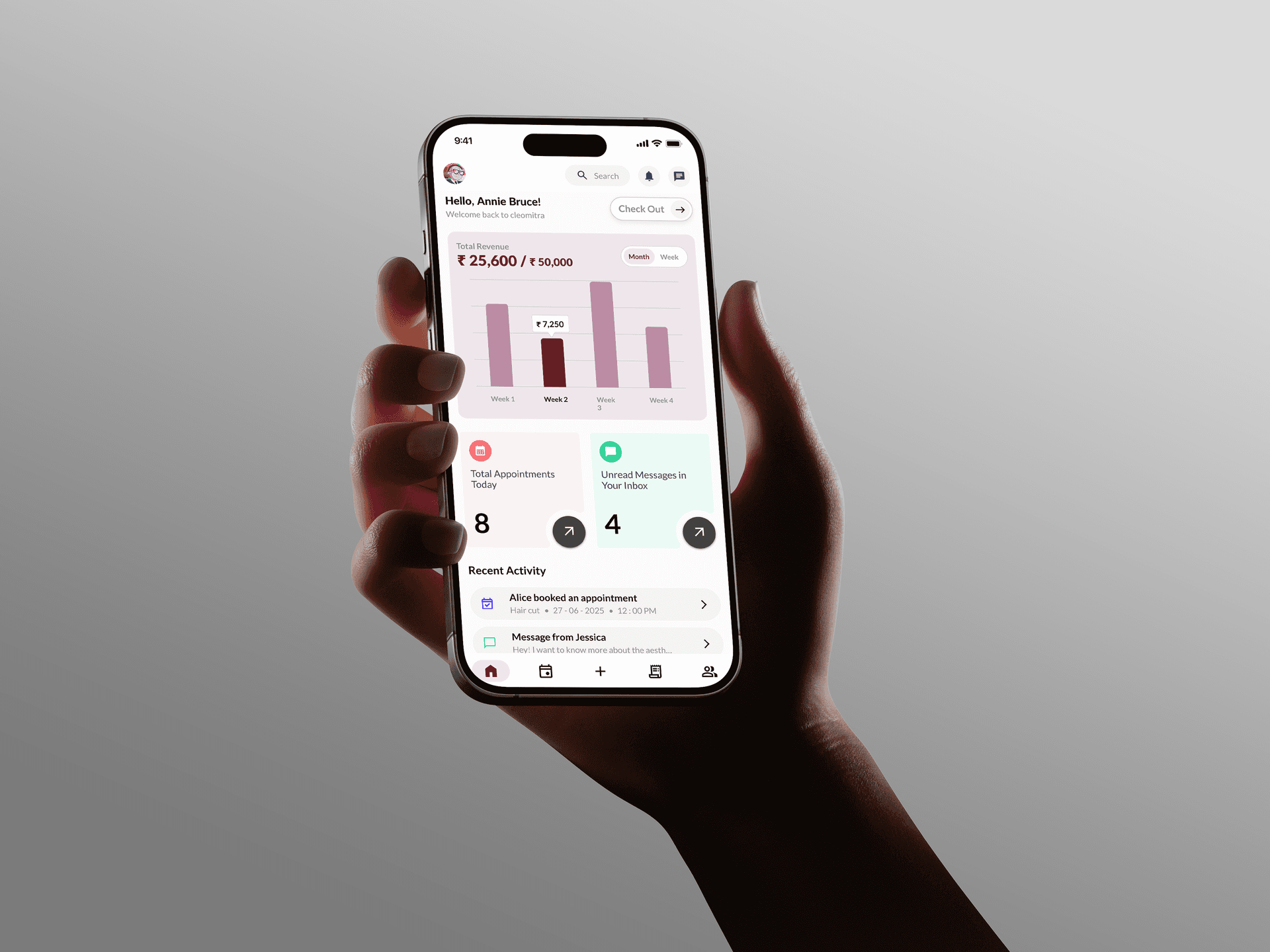
Yes, the Cleomitra mobile apps are completely free to download on both the Google Play Store and Apple App Store.
Yes. Cleomitra offers dedicated mobile apps tailored for each use case: the Cleomitra Staff App for business owners and staff to manage operations, and the Cleomitra Customer App for clients to book and view their appointments.
No, customers can only see the business that added them. Customers cannot register or use the customer app directly on their own; their phone number must first be added by a registered business. Once added, the customer can log in to view bookings and details specifically for that business.
Both the Staff and Customer apps are fully compatible and available for download on Android (via Google Play Store) and iOS (via Apple App Store).
Yes, absolutely. All appointments, customer profiles, messages, billing details, and call records sync instantly and securely in real-time between the mobile apps and the desktop web application.
No, the mobile apps offer a focused set of features designed for quick on-the-go management (like viewing appointments, messaging clients, and quick billing). For advanced settings, in-depth reports, bulk imports, and full system configuration, we recommend using the desktop web application for the best experience.

